Key Takeaways
Construction site monitoring gives you a clearer view of safety, progress, quality, and security across a project. The strongest programs combine suitable technology with defined responsibilities and practical response procedures.
-
Set monitoring goals around specific project risks and decisions.
-
Combine cameras, drones, sensors, and reporting tools where they add genuine value.
-
Use visual records to compare progress, document concealed work, and support compliance.
-
Define alert thresholds, access rules, retention periods, and response responsibilities before deployment.
-
Start with a focused pilot, measure its usefulness, and expand coverage based on evidence.
Understanding construction site monitoring
Construction site monitoring is the organised collection and review of information about what is happening on a jobsite. Depending on your objectives, that information may include live video, time-lapse imagery, aerial photos, sensor readings, inspection notes, and incident records. The purpose is not to watch everything indiscriminately, but to give the right people dependable information when a decision is needed. A well-designed approach supports safer work, better coordination, and more defensible project records.
What construction site monitoring includes
A monitoring program usually begins with a simple question: what do you need to know, and how quickly do you need to know it? You may need a live view of a gate after hours, scheduled images of a tower crane zone, aerial documentation of earthworks, or sensor data showing movement and environmental conditions. Each source has a different role, so the program should match the method to the risk rather than treating one camera or platform as a complete answer.
You also need an operating process around the technology. Someone must check alerts, label important footage, record follow-up actions, and communicate findings to the relevant supervisor or project manager. Without that process, a large volume of data can create the appearance of control without improving decisions.
The difference between manual and digital monitoring
Manual monitoring depends on site walks, toolbox discussions, paper forms, photographs, and personal observations. These remain valuable because experienced people notice context that a device may miss. However, manual checks are periodic, and the resulting record can be difficult to compare across days, work areas, or project stages.
Digital monitoring adds continuity and makes information easier to share. A fixed camera can create a consistent visual reference, while a cloud report can let an off-site stakeholder review the same evidence as the site team. The best arrangement is usually complementary: technology extends visibility, while people interpret conditions and decide what should happen next.
Key project risks that monitoring can address
Monitoring can help you identify or document risks such as unauthorised access, unsafe work practices, changing site conditions, delayed activities, damaged materials, and quality concerns. It can also provide a record of the sequence surrounding an incident or disputed event. That record does not replace an investigation, but it can make the investigation more grounded in evidence.
Risk priorities change as a project moves from excavation to structure, services, finishes, and handover. Your monitoring plan should change with them. A camera position that is useful during bulk earthworks may provide little value once the building envelope is closed, while a new view may become essential near loading zones or temporary access routes.
When monitoring delivers the greatest value
Monitoring tends to deliver the most value when a project is geographically dispersed, has complex interfaces, operates outside normal hours, or requires frequent reporting to people who cannot visit the site. It is also useful when work will soon be concealed and you need a reliable visual record of the preceding stage. The value rises further when the information is tied to a clear decision, such as escalating a delay, checking an exclusion zone, or confirming that a milestone is ready for review.
For broader context on using images and video for safety communication, risk assessment, and compliance audits, you can review this guide to construction safety photography. It reinforces a practical point: documentation becomes useful when it is consistent, accessible, and connected to the way your team works.
Choosing the right monitoring technologies
No single technology suits every construction site. You should consider the project footprint, power and connectivity, required image detail, working hours, privacy obligations, and the decisions the information must support. A remote rural road project may need a different arrangement from a dense high-rise site with several contractors and restricted access points. Choose coverage and capability first; then choose equipment that can deliver them reliably.
Cameras, time-lapse systems, and live video
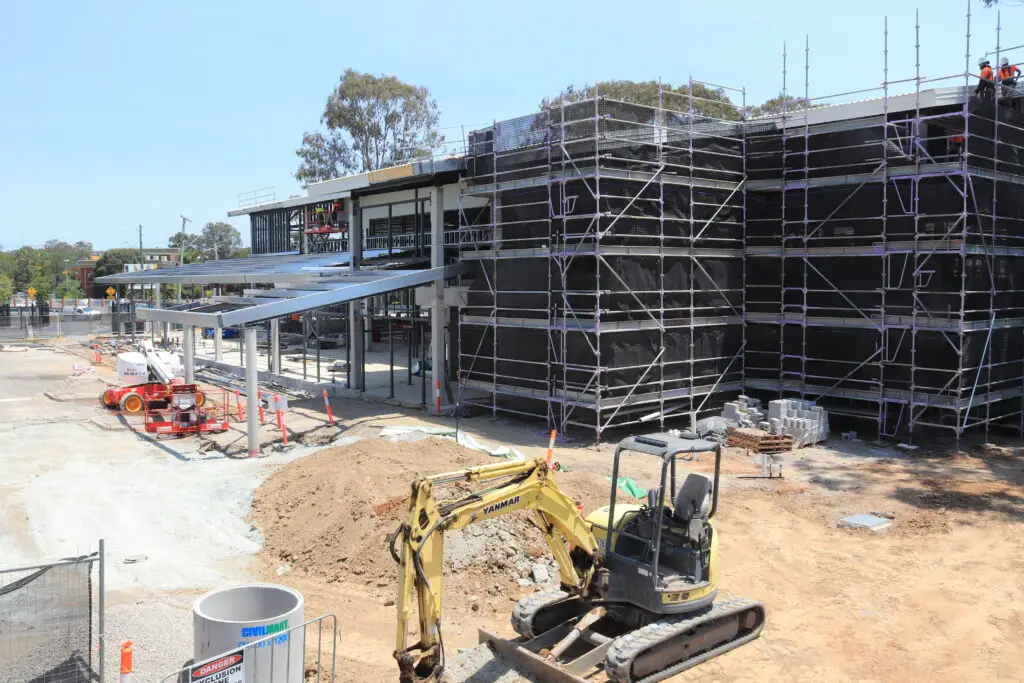
Fixed cameras give you a repeatable view of selected areas, while time-lapse systems show how the project changes over weeks or months. Live video is more useful when you need to check a current condition, whereas scheduled imagery is often better for progress reporting and long-term records. Placement, field of view, image quality, weather protection, mounting, power, and network availability all deserve attention before installation.
If you are comparing options, a practical construction camera system guide can help you think through placement, connectivity, storage, and the differences between fixed, PTZ, and time-lapse cameras. Construction Time Lapse Specialists provides 4K cameras and durable systems with secure remote portal access for viewing site progress, which can suit projects that need consistent visual records over their lifecycle.
Drones and aerial progress inspections
Aerial imaging can show relationships that are difficult to understand from ground level. You can inspect broad earthworks, road alignments, roof areas, stockpiles, access routes, and changes across a large footprint without relying on a single fixed viewpoint. Flights should be planned around site operations, weather, permissions, and the specific areas that need comparison.
Drone imagery is particularly useful when it is captured on a repeatable schedule and labelled with the date, location, and relevant work stage. Used alongside ground-level photography and fixed cameras, it gives stakeholders a more complete visual reference without suggesting that an aerial image alone proves compliance or construction quality.
IoT sensors for conditions and equipment
Sensors can provide information that images cannot, including measurements related to movement, vibration, temperature, moisture, noise, air quality, or equipment status. Their usefulness depends on calibration, placement, connectivity, maintenance, and a defined response to readings outside the expected range. A sensor that produces data nobody reviews is not a functioning control.
The following pairing illustrates how different sources can support different decisions:
|
Monitoring source |
Useful information |
Typical decision supported |
|---|---|---|
|
Fixed camera |
Visual activity and site conditions |
Review access, work sequence, or an event |
|
Time-lapse system |
Consistent change over time |
Compare progress with the planned stage |
|
Drone imaging |
Broad spatial context |
Review earthworks, access, or site layout |
|
IoT sensor |
Measured environmental or equipment condition |
Investigate a threshold breach |
The table is a starting point rather than a specification. You still need to establish who owns each data stream, how often it is reviewed, and what evidence is retained when a reading or image indicates a concern.
AI-powered video analysis and alerts
Video analysis can help reduce the burden of watching footage continuously by identifying patterns or events that match configured rules. Depending on the system, those rules may relate to movement, access, objects, or activity in defined areas. You should treat an alert as a prompt for human review, not as a final finding, because shadows, changing site layouts, weather, and legitimate work can affect interpretation.
Alert quality matters more than alert volume. Begin with a small number of high-value rules, test them during normal operations, and adjust thresholds when the site changes. A useful monitoring platform should help you distinguish urgent events from items that can be reviewed during the next routine check.
Cloud platforms and mobile reporting tools
Cloud access makes it easier for authorised project participants to review imagery and reports without being at the site. Mobile tools can support inspections, annotations, issue assignment, and updates from the work area, while a central archive can keep the record organised by date, location, or work package. You should still confirm how data is hosted, exported, backed up, and protected.
A platform is most useful when it fits existing reporting habits. If your team already uses scheduled progress meetings, safety inspections, and quality hold points, monitoring outputs should arrive in those workflows rather than becoming a separate stream that people ignore.
Planning a construction site monitoring program
Planning turns a collection of devices into a controlled project process. Start with the questions your team must answer, then map those questions to locations, schedules, technologies, and owners. You should document assumptions about access, power, connectivity, weather, and construction sequencing before the equipment is ordered. This prevents a technically impressive setup from failing at the practical level.
Defining project goals and success metrics
Your goals should be specific enough to guide a decision. “Improve visibility” is a useful ambition, but “provide a weekly record of structural progress for remote stakeholders” is easier to plan and assess. Other goals might include reducing time spent on routine travel, documenting concealed work, supporting incident reviews, or identifying schedule drift earlier.
Choose measures that reflect those goals. You could track report preparation time, the percentage of planned inspections completed, response time to priority alerts, the number of unresolved issues, or stakeholder access to required records. Avoid measuring only the volume of footage or alerts; more data does not automatically mean better oversight.
Mapping high-risk areas and critical activities
Walk the site with supervisors, safety personnel, and project engineers before deciding where monitoring belongs. Mark access points, lifting and loading areas, excavations, temporary works, material storage, pedestrian routes, and activities that will soon be covered. Then consider how the risk changes during night shifts, weekends, deliveries, and handovers between trades.
The map should be revisited as the site develops. Temporary fencing moves, buildings block views, and new work fronts appear. A monitoring plan that was correct at mobilisation can become incomplete within a few weeks.
Selecting monitoring locations and coverage zones
A good location gives you useful visibility while avoiding unnecessary overlap and blind spots. You should check the height and angle of each camera, possible obstructions, glare, lighting at night, and whether the view remains relevant after planned changes. For aerial work, define the boundaries and the repeatable viewpoints needed for comparison.
Document the reason for every location. This makes it easier to relocate equipment when the work front changes and helps you explain the monitoring arrangement to workers, contractors, visitors, and stakeholders.
Setting inspection schedules and alert thresholds
Not every source needs continuous review. You might use live checks for a gate or high-risk condition, daily review for selected work areas, weekly imagery for progress reporting, and milestone-based capture for concealed work. Schedules should reflect the pace and consequence of the activity, not simply the default settings of the equipment.
Thresholds also need context. A movement alert during excavation may require rapid technical review, while a delivery-area alert during working hours may be routine. Write down the expected response, escalation path, and time frame for each priority level, then test the arrangement before relying on it.
Assigning responsibilities across the project team
Monitoring only helps when people know what to do with the information. Assign ownership for equipment checks, alert review, record management, issue escalation, and stakeholder reporting. Make those responsibilities part of existing role descriptions and meeting routines rather than leaving them with an unnamed “project team.”
A simple division can keep the process clear:
-
Site supervisors verify conditions and respond to immediate work-area issues.
-
Safety personnel review relevant events and coordinate corrective actions.
-
Project managers use progress records to support reporting and coordination.
-
Technical leads assess readings or imagery that may require engineering input.
-
Administrators control filing, permissions, and retention of project records.
After responsibilities are assigned, test the process with a realistic scenario. The exercise should show who receives an alert, who verifies it, who records the action, and who closes the issue.
Improving safety and site security
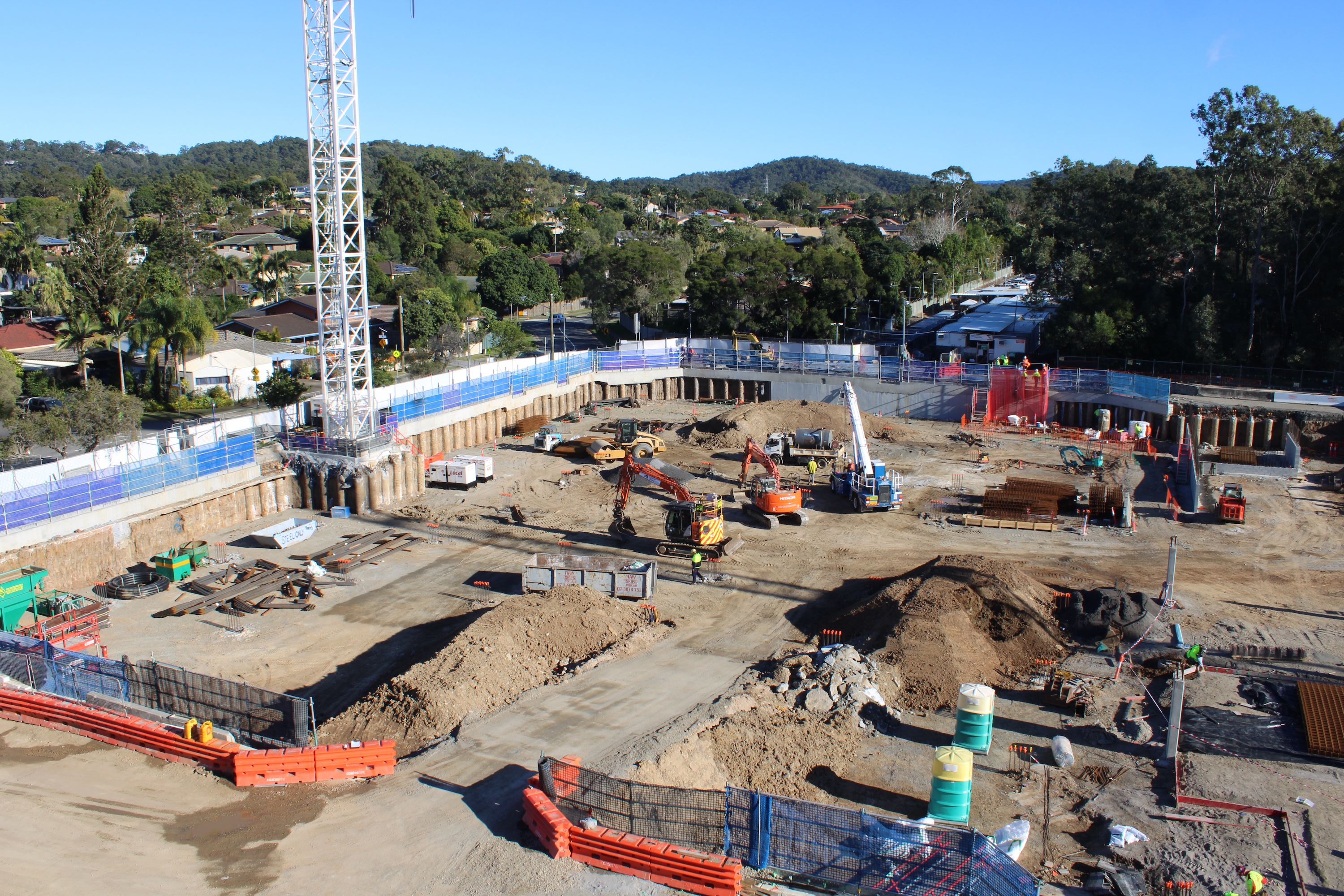
Safety and security monitoring should support the controls already established through risk assessments, inductions, supervision, access management, and emergency procedures. Cameras and sensors can extend awareness, but they do not make an unsafe method acceptable or replace a competent person’s judgement. The most effective programs connect observations to timely conversations and documented corrective action.
Detecting personal protective equipment violations
Where the technology supports it, video review may help identify apparent failures to wear required personal protective equipment in defined areas. You should treat such findings as prompts for verification, since camera angle, image quality, and the nature of the task can affect what is visible. The response should focus on correcting the condition and understanding why it occurred.
Clear signage, inductions, supervision, and suitable equipment remain essential. Monitoring can show recurring patterns, such as a particular access route or work stage where compliance falls away, allowing you to target training and supervision more effectively.
Monitoring restricted areas and unsafe behavior
Restricted zones should be clearly defined, physically controlled where necessary, and communicated to everyone working on the project. Monitoring can help you review activity near exclusion zones, access points, edges, plant routes, or other locations where an unauthorised presence may create risk. It is most useful when the team has agreed what constitutes an event and how quickly it should be checked.
Avoid treating every unusual movement as misconduct. Construction sites are dynamic, and legitimate work can look unexpected when viewed remotely. A review process that considers the work schedule and site context will produce better decisions than automatic escalation of every alert.
Identifying fires, intrusions, and hazardous conditions
After-hours visibility can help you investigate possible intrusion, smoke, fire, unusual movement, or damage to temporary controls. Environmental and equipment sensors may add another layer of information, particularly where a change can occur before it is obvious in an image. Your emergency plan must still define who is contacted, what can be verified remotely, and when emergency services or site personnel are required.
For a broader explanation of AI-assisted monitoring, video surveillance, access control, and data analytics, see this overview of AI construction monitoring. The technology is most valuable when alerts fit a response plan rather than arriving as isolated notifications.
Supporting incident investigations and compliance records
When an incident occurs, time-stamped footage, photographs, inspection notes, and sensor readings can help establish what was visible before, during, and after the event. Preserve the relevant material promptly and record who accessed or exported it. You should also keep the limits of the record in mind: a camera view may not cover every relevant action or condition.
Consistent visual documentation can strengthen communication around safety expectations and compliance audits. It can also support induction and learning discussions when handled carefully, with the focus on improving controls rather than assigning blame without evidence.
Balancing worker privacy with safety requirements
Before deployment, explain what is being captured, why it is needed, where cameras are positioned, who can access records, and how long information will be kept. Avoid areas where personal privacy is expected, and consider masking, restricted views, or limited retention where appropriate. Requirements vary by location, employment arrangement, and the type of information collected, so obtain suitable legal and privacy advice.
Transparency improves acceptance. Workers are more likely to engage with monitoring when they understand that it supports defined safety and project purposes, rather than functioning as unrestricted personal surveillance.
Tracking progress, quality, and productivity
Visual records can make project reporting more concrete. They allow you to compare conditions over time, explain changes to stakeholders, and revisit work that is no longer visible from ground level. They work best alongside the schedule, drawings, inspection records, and daily reports, not as a replacement for them. The goal is a shared reference that helps people identify what needs attention.
Comparing actual work with the project schedule
A consistent camera view or repeatable aerial capture can show whether planned work fronts are developing as expected. You can compare dates, access conditions, material deliveries, and visible installation stages with the baseline schedule. If the sequence appears to be slowing, the visual record can help you ask a more useful question about the cause.
The comparison should be regular rather than retrospective. Reviewing imagery in progress meetings gives the team a chance to adjust sequencing, resources, or communication before a small variance becomes a significant delay.
Documenting milestones and concealed work
Record milestone conditions before they disappear behind concrete, cladding, ceilings, or finishes. Capture the relevant area clearly, include dates and locations, and connect the images to the work package or inspection reference. This creates a practical record for future maintenance questions, stakeholder reporting, and handover discussions.
Time-lapse photography can also turn a long sequence into a concise explanation of project change. Construction Time Lapse Specialists combines time lapse systems, drone imaging, and high-resolution photography to provide visual monitoring from multiple perspectives, supporting records that remain useful beyond a single progress meeting.
Detecting quality issues before they spread
Imagery may reveal repeated installation patterns, congestion, incomplete protection, water ingress, or a deviation from the expected sequence. It cannot confirm every technical requirement, but it can direct a competent inspection to the right place sooner. That early prompt is especially useful when a defect could be repeated across several work areas.
Use clear issue references and link the visual evidence to drawings, specifications, inspection and test plans, or nonconformance records. The record should support a decision, not simply add another attachment to a crowded project folder.
Measuring labor, equipment, and material utilization
Visual monitoring can help you understand when work areas are active, whether equipment is positioned as planned, and how materials move through the site. These observations are indicators, not automatic productivity measurements. You need to account for weather, access constraints, safety controls, waiting time, and work that cannot be seen from the selected viewpoint.
Review patterns with the people who manage the work. A repeated idle period may indicate a delivery problem, a design query, a sequencing issue, or a deliberate safety pause. Context is what turns an image into an operational insight.
Using visual records to resolve disputes
Disputes often involve timing, access, completed work, damage, or responsibility for a changed condition. A well-organised visual record can help establish what was observable on a particular date and can support a neutral discussion of the facts. It should be read with contracts, notices, site diaries, and other records rather than treated as conclusive on its own.
Consistent capture is crucial. Records made only after a disagreement begins may be less persuasive than a routine archive that covers the whole relevant period and shows how the site changed.
Managing monitoring data and integrations
Monitoring produces value only when information can be found, understood, and acted upon. Footage, still images, aerial files, sensor readings, alerts, and reports can quickly become difficult to manage if naming and filing rules are left until the end of the project. Establish a structure that mirrors the way your team thinks about the work: date, location, work package, event, or milestone.
Organizing footage, sensor data, and reports
Use consistent file names, timestamps, location labels, and project identifiers. Separate routine material from retained evidence, and mark important events with a short description of the issue and the action taken. A retention schedule can prevent both accidental deletion and the unnecessary storage of irrelevant material.
Your archive should be usable by someone who was not present when the file was created. A clear index and brief contextual notes often matter more than a larger volume of unlabelled footage.
Connecting monitoring tools with project management systems
Where practical, connect monitoring outputs with the systems you already use for issues, inspections, schedules, and reporting. A progress image attached to the relevant work package is easier to act on than a link buried in a separate inbox. Integration should reduce duplicate entry, but it should not transfer unverified alerts directly into formal records.
Before connecting systems, check file formats, permissions, timestamps, export options, and ownership of the resulting records. Start with one workflow, such as attaching milestone imagery to a weekly report, and expand once the process is stable.
Controlling user access and data retention
Access should follow role and need. Site supervisors may need operational views, while external stakeholders may need selected progress records rather than unrestricted live footage. Use individual accounts where possible, review permissions regularly, and remove access when a person leaves the project or changes role.
Retention periods should reflect contractual, safety, legal, and operational requirements. Define how long routine footage is kept, how incident material is preserved, and who can authorise deletion or export. These rules should be communicated before people begin relying on the archive.
Protecting sensitive construction information
Construction records can reveal site layouts, security arrangements, equipment locations, project timing, and personal information. Protect them through secure connections, suitable hosting arrangements, strong authentication, controlled sharing, and careful handling of downloaded files. You should also assess suppliers and subcontractors that may access the platform.
Security is an ongoing task. Review access logs, update credentials and software as required, and include monitoring data in the project’s broader information-security and privacy procedures.
Turning alerts into actionable project decisions
An alert becomes useful when it leads to a defined action, owner, and outcome. Create a priority system that distinguishes immediate safety or security concerns from items suitable for routine review. Record the verification, action taken, escalation, and closure so the team can learn from recurring events.
Regularly review alert performance. If a rule generates too many false positives, adjust the threshold or change the monitored zone. If important events are missed, revisit the view, schedule, technology, and human review process rather than simply increasing notifications.
Evaluating costs and implementing the program
The cost of monitoring is more than the purchase price of a camera. You should consider design, installation, power, connectivity, software, cloud storage, maintenance, inspections, data review, training, and eventual removal or relocation. A clear cost model helps you compare a focused program with the cost of travel, delayed decisions, repeated inspections, poor records, and avoidable incidents.
Estimating equipment, software, and labor costs
List each proposed monitoring location and the service it requires. Fixed equipment may need mounting and power, while remote areas may require additional connectivity or energy provision. Include the people who will configure the system, review data, respond to alerts, prepare reports, and maintain records.
Request costs in a form that separates one-off setup from recurring service. That makes it easier to understand how the program will change if the project extends, the site expands, or equipment must be moved to a new work front.
Calculating savings from avoided delays and incidents
Savings estimates should be based on plausible project events, not guaranteed outcomes. Consider the cost of a missed milestone, an unnecessary site visit, damaged equipment, repeated rework, or time spent reconstructing what happened. Then estimate how monitoring could improve detection, communication, or documentation in that specific context.
Keep the assumptions visible. A transparent model is more useful to a project director than an impressive figure with no explanation of the event, probability, or response that produced it.
Piloting monitoring on a high-value project area
A pilot lets you test the system where better visibility matters most. Choose an area with a clear objective, such as a critical access route, a complex structural sequence, a remote work front, or a milestone that will soon be concealed. Define the start date, review period, responsible people, and evidence you will use to judge the pilot.
During the pilot, look for practical issues: image quality, connectivity, power, mounting, alert relevance, reporting time, worker understanding, and stakeholder access. A smaller successful deployment is a stronger basis for expansion than a broad installation that nobody has learned to use.
Training teams to respond to monitoring insights
Training should cover more than logging into a platform. Show people how to interpret a view, verify an alert, preserve an important record, report an issue, and escalate an urgent condition. Include examples from the actual site so the process feels connected to daily work.
Explain limitations as well as capabilities. People should understand that a camera can have blind spots, a sensor can require verification, and an aerial image does not replace a technical inspection. This keeps confidence grounded and encourages appropriate judgement.
Reviewing performance and expanding coverage
Set review points at the end of the pilot, after major changes in site layout, and at agreed project milestones. Ask whether the program improved a decision, reduced avoidable effort, strengthened a record, or identified a risk earlier. Also ask which data was never used and which alerts created unnecessary work.
Expand only where the evidence supports it. You may find that one additional camera, a revised capture schedule, or better filing rules creates more value than adding several new data sources. Construction Time Lapse Specialists offers customised visual monitoring across commercial, civil, and infrastructure projects, so coverage can be considered in relation to the project’s scale, viewpoints, and reporting needs.
Conclusion
A practical construction site monitoring program gives you dependable visibility without pretending that technology can replace site leadership. When you define the decisions to support, select suitable viewpoints and sensors, assign clear responsibilities, and protect the resulting records, monitoring becomes part of the project’s operating rhythm. Start with the risks and work stages that matter most, learn from a focused deployment, and let evidence guide the next improvement.
Frequently Asked Questions
What is construction site monitoring?
Construction site monitoring is the planned use of cameras, imagery, sensors, inspections, and reporting processes to observe and document site conditions, progress, safety, security, and quality.
Why should you monitor a construction site?
Monitoring can improve remote visibility, support earlier identification of issues, document milestones and concealed work, strengthen incident records, and help stakeholders coordinate decisions.
Are cameras enough for construction monitoring?
Cameras are useful for selected views, but they do not measure every condition or show every location. A suitable program may combine fixed imagery with inspections, aerial capture, sensors, and project records.
How often should a construction site be monitored?
The frequency should match the risk, work stage, site activity, and decision required. Some areas may need live or daily review, while progress imagery may be useful weekly or at defined milestones.
Can monitoring help with construction safety?
It can support safety by documenting conditions, highlighting apparent issues for review, and providing material for incident investigations or training. It does not replace risk assessments, supervision, procedures, or emergency controls.
How do you protect worker privacy during monitoring?
Explain the purpose and scope of monitoring, avoid private areas, restrict access, use suitable masking or limited views where appropriate, and establish clear retention and deletion rules.
How do you measure whether a monitoring program is successful?
Measure outcomes connected to your goals, such as reporting time, inspection completion, response to priority alerts, earlier identification of delays, record accessibility, and the usefulness of information in project decisions.