Introduction: Why Time-Lapse Is a Game-Changer for Communication
In the construction industry, keeping clients and stakeholders informed is just as important as hitting project milestones. Traditional reporting methods—such as spreadsheets, site diaries and static images—can often fall short in truly capturing the scale and progress of a build. That’s where time-lapse reporting steps in.
Time-lapse technology transforms weeks or months of site activity into short, engaging visual updates. It brings clarity, builds trust, and streamlines construction progress communication like never before.
1. What Is Time-Lapse Reporting?
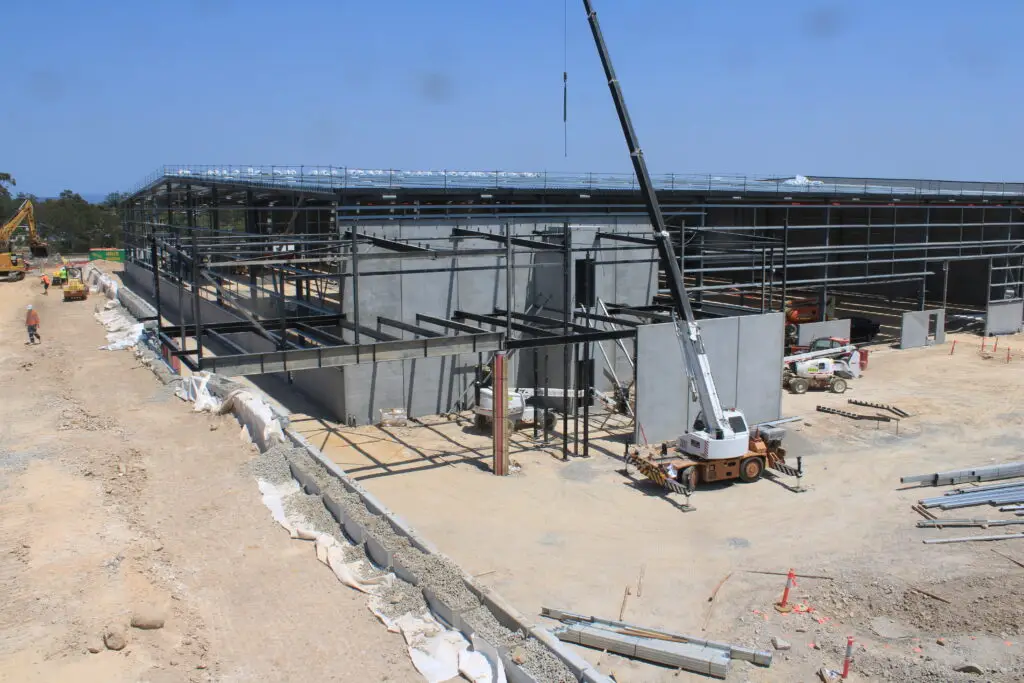
Time-lapse reporting is the process of using footage captured by time-lapse cameras to create visual updates for construction projects. These updates can be weekly, monthly, or tied to key milestones. The footage is compiled into a condensed video that shows significant progress in a way that’s easy to understand and hard to dispute.
Unlike manual photo updates, time-lapse videos offer consistent, high-quality imagery taken from the same vantage point, making progress easier to track.
2. Keep Clients Engaged and Informed
Many clients and stakeholders aren’t able to visit the site regularly. Time-lapse videos act as a virtual window into the project, providing transparency and peace of mind.
You can:
- Include time-lapse clips in monthly reports
- Share short videos via email or private portals
- Use footage during client meetings or investor briefings
It’s a simple yet powerful tool for improving construction progress communication and keeping everyone on the same page.
3. Reduce Misunderstandings and Improve Accountability
One of the biggest benefits of time-lapse reporting is its ability to clearly show what has happened on site—removing ambiguity or confusion. If questions arise around delays, deliveries, or quality of work, time-lapse footage provides a visual audit trail.
This level of accountability can:
- Improve communication between contractors and clients
- Help resolve disputes before they escalate
- Support claims or insurance reports when needed
4. Showcase Key Milestones and Achievements
From breaking ground to topping out, every milestone can be documented and shared through time-lapse video. These moments don’t just inform stakeholders—they celebrate success.
You can create:
- Highlight reels for project milestones
- End-of-phase videos for board meetings
- Before-and-after comparisons for marketing use
It adds a dynamic layer to your progress reporting that static photos can’t compete with.
5. Strengthen Internal Reporting and Team Motivation
While client-facing updates are crucial, internal teams can also benefit from time-lapse reporting. Site managers and team leads can use the footage to:
- Review performance and productivity
- Identify areas of improvement
- Keep the team motivated by visualising achievements
Visual progress can be a powerful motivator—especially on long-term projects where day-to-day changes may go unnoticed.
6. Choosing the Right Time-Lapse Provider
To get the most from your time-lapse reporting, it’s important to work with a provider who offers:
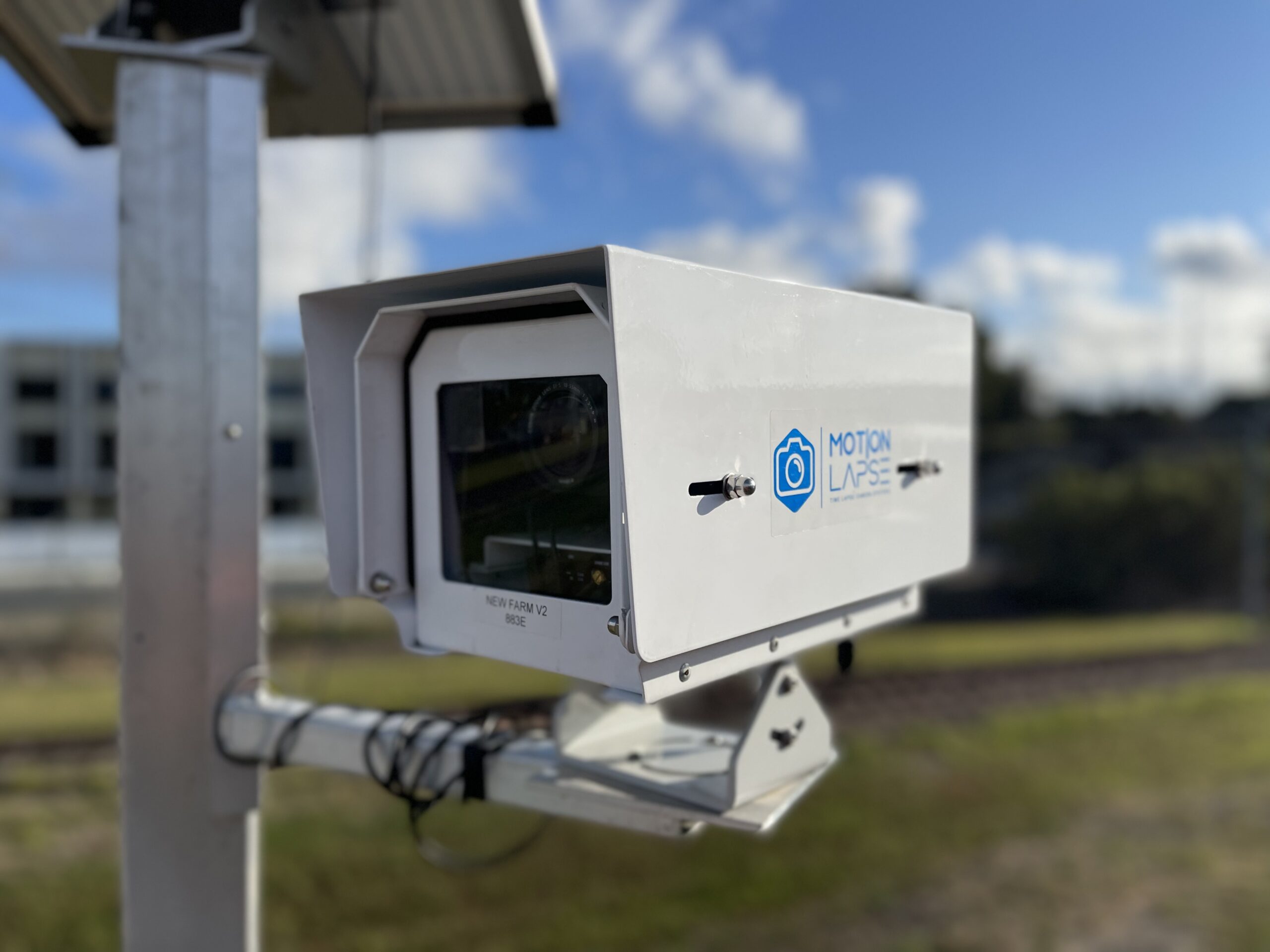
- High-resolution, weatherproof cameras
- Secure remote access and cloud storage
- Custom video editing for client updates
- Ongoing support and maintenance
Look for a team with construction-specific experience—this ensures they understand the importance of timing, safety, and site conditions.
Conclusion: Better Communication Starts With Better Visibility
Time-lapse reporting is no longer a luxury—it’s fast becoming a standard in professional construction progress communication. It builds trust, strengthens relationships, and adds visual clarity to every stage of your project.