Key Takeaways
A successful time lapse starts well before the first frame: choose a camera and interval to suit the subject, then plan for the site conditions and the full recording period.
- Match the camera’s power, storage and weather protection to the length and location of the shoot.
- Estimate the final clip length before setting an interval.
- Keep the camera stable and the composition clear throughout the recording.
- Test exposure, focus and power before leaving the camera unattended.
- Back up the footage and review it for gaps or changes before creating the final video.
How a time lapse camera works
A time lapse camera records a sequence of images at set intervals, rather than capturing every moment continuously. Played back together, those frames make slow change visible in a short clip. The effect is simple, but the interval, playback rate and recording conditions all influence how the finished footage feels.
How interval shooting turns hours into seconds
The interval is the time between captured frames. A camera taking one frame every few minutes can turn a day’s progress into a short video, while a shorter interval records more detail in faster-moving activity. The right choice depends on how quickly the subject changes and how long you plan to record. Before you begin, estimate the duration and frame count: divide the shoot time by the interval to understand roughly how many images you will collect.
The difference between time lapse and video acceleration
A time lapse captures individual frames at intervals and combines them for playback; video acceleration records continuous footage and speeds it up later. The first method can use less storage over a long shoot, while the second preserves more of the action between moments. Each approach has a different feel, so choose based on whether the priority is a compact record of gradual progress or the detail of continuous movement.
How frame rate and playback speed affect the result
A finished clip’s duration depends on the number of captured frames and the playback frame rate. For example, 300 frames played at 25 frames per second produce about 12 seconds of footage. This makes it easier to plan a realistic target before a long recording starts. Use the figures as a guide, then review a short test to see whether the movement looks natural at the intended pace.
When a dedicated camera is better than a phone
A phone can work for a short, attended shoot, but leaving it in place for hours may prevent it being used for other tasks. A dedicated camera can be more suitable when a recording must continue unattended or over a long period. For construction projects in Brisbane and Queensland, Construction Time Lapse Specialists provides high-quality construction time-lapse cameras and photography. A standalone camera is also worth considering when you need a fixed viewpoint without tying up a phone or tablet; this overview of standalone time lapse cameras explains that distinction.
How to choose the right time lapse camera
Start with the project rather than a feature list. A camera recording a short installation has different needs from one expected to capture a building site for months. Consider how often the scene changes, whether the camera can be accessed safely, and who needs to view the resulting footage.
Match the camera to your project and environment
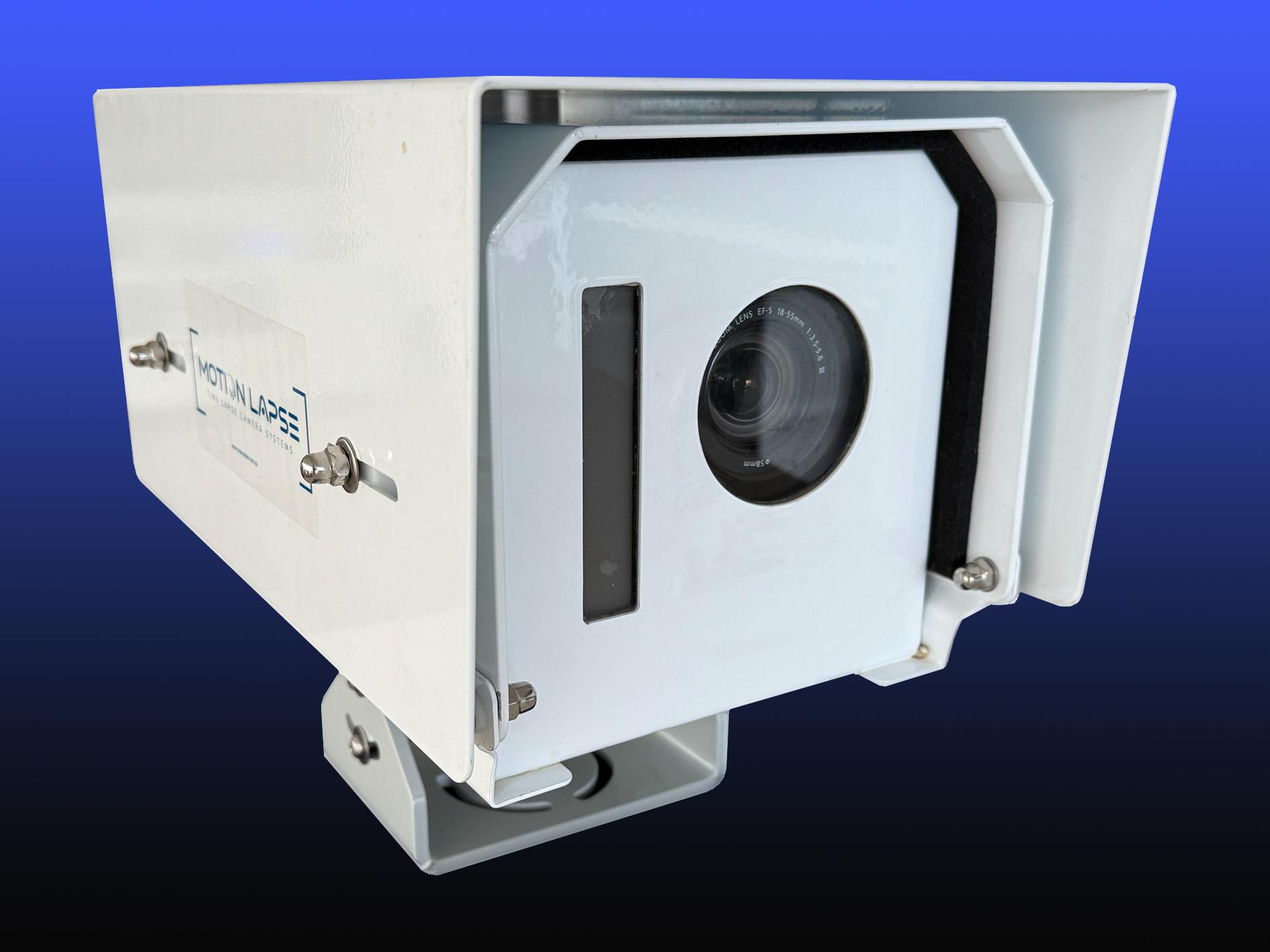
A camera should suit both the subject and the place where it will be installed. A sheltered indoor setup may need less protection than a unit exposed to rain, dust or changing temperatures. For a site record, also consider what should be visible at each stage, including the working area and any important changes around it. This camera placement and interval guide offers practical considerations for framing and capture schedules.
Compare battery life, storage and power options
The recording period determines how much power and storage you need. A short shoot may be manageable with a charged battery and modest storage, while a long-running installation needs a more deliberate plan for ongoing power, capacity and access. Think through how often someone can visit the camera and whether the chosen arrangement can sustain the planned schedule. Leave room for unexpected delays rather than sizing everything to the original end date alone.
Assess resolution, weather protection and mounting
Resolution affects how much detail is retained in the final image, while weather protection and mounting help the camera stay usable in its environment. Check the intended camera position against the view you need and the surfaces available for secure installation. For commercial, civil and infrastructure projects, Construction Time Lapse Specialists offers 4K cameras, remote monitoring and expert support. Those capabilities may be relevant when stakeholders need clear progress views and assistance with a project setup.
Decide whether remote access and monitoring matter
Remote access can help when the camera is in a restricted or distant location, or when stakeholders need to view progress without travelling to site. Consider who needs access, how often they will check the images and how the connection will be maintained. If the camera will be installed for a long project, compare the value of monitoring with the practical requirements of connectivity and site security. The Brinno time lapse range is one example of cameras described for long-term project recording and remote monitoring.
How to plan a time lapse shoot
Planning helps keep the capture useful when the project schedule or conditions change. Define what the footage should show, when the recording should start and who will use the final material. Keep the plan proportionate: a simple creative shoot may need only a clear viewpoint and a charged battery, while a construction record benefits from coordination with the project team.
Estimate the shoot duration and final clip length
Work backwards from the length you want the finished clip to be. Multiply the playback frame rate by the target duration to estimate the number of frames required, then use the interval to estimate how long the camera must remain in place. For a rough comparison, the table shows how different intervals affect the number of frames collected over an eight-hour period.
| Capture interval | Approximate frames in 8 hours | Suitable pace to consider |
|---|---|---|
| 10 seconds | 2,880 | Frequent movement or activity |
| 1 minute | 480 | Noticeable ongoing progress |
| 5 minutes | 96 | Slow changes across a longer period |
These are planning estimates, not fixed recommendations. Adjust them for the subject and the final playback speed, and allow for interruptions or a longer-than-expected project. For broader project coordination, a clear IT project roadmap also shows how scope, timing and resources can be planned together.
Choose an interval for the subject’s pace
The interval controls how smoothly movement appears and how much detail is captured. If it is too long for a fast-moving subject, motion may seem to jump; if it is very short for a slow change, the camera may create more frames than the final clip needs. Trial a small section when possible, then check whether the movement reads clearly at normal playback. Guidance on time lapse intervals can help you think through pace alongside camera position and power.
Check lighting changes and weather conditions
A shoot that spans changing daylight may show shifts in brightness or colour between frames. Consider how the scene will look at the beginning and end of the recording, and whether cloud, glare or artificial lighting could affect the view. Weather can also change the safety and accessibility of the camera position. Keep those practical limits in mind rather than relying on an ideal forecast for a long project.
Scout a stable, unobstructed camera position
Visit the location before installation and check the view from the proposed height and angle. Look for objects that may block the scene as work progresses, as well as routes where equipment or people could disturb the camera. It is also useful to consider how the visual record will be interpreted: a camera can document visible change, but it cannot supply specialist interpretation in fields such as AMH testing, Epithalon peptide therapy or cockroach identification. Keep the framing focused on what the footage is meant to show.
How to set up your camera
A careful setup reduces the chance of discovering a framing or power problem after the shoot has been running for days. Confirm the camera’s position, settings and access arrangements before starting the full recording. Take a moment to check each part as a system: the camera, mount, storage and power all need to suit the planned duration.
Secure the camera and compose the frame
Mount the camera on a stable surface and check that it cannot be nudged by wind, vibration or routine site activity. Compose the view so that the important area remains visible, allowing for changes in the scene as work progresses. Avoid placing the camera where access equipment or new structures may block the lens. A level, deliberate frame is easier to compare from one day to the next.
Set the interval, exposure and focus
Set the interval to match the pace of the subject, then review exposure and focus in the actual scene. If the camera faces a bright sky or a shaded work area, check that the important details remain visible rather than assuming the first frame will represent every condition. Keep settings consistent where possible, and use a short test to reveal obvious changes or blur. The final choice should serve the visual record, not just the initial setup.
Format storage and prepare backup power
Before recording, confirm that the storage is ready and that the selected power source can support the expected duration. Think about how often the camera can be checked and what will happen if work continues beyond schedule. For a long project, a planned visit or backup power arrangement can reduce the chance of an avoidable gap. Record the setup details so someone returning to the camera knows what was configured.
Test the setup before leaving it unattended
A brief test is a practical way to catch problems before they become a long break in the footage. Check that the camera is recording, the view is unobstructed and the settings produce images that make sense at playback. Use a simple checklist to make the handover clear:
- Confirm the mount is secure and the frame is level.
- Review a sample image for focus, exposure and composition.
- Check the interval, storage status and power connection.
- Confirm who can access the camera and when it will be checked.
After the test, review the images rather than relying only on the camera’s status display. If something looks wrong, correct it while the location is still accessible.
How to capture common time lapse projects
Different subjects call for different intervals, framing and expectations. Construction progress tends to unfold over weeks or months; skies can change in minutes, while plant growth may take days or seasons. Decide what change matters most, then set the camera so that the finished footage makes that change easy to see.
Document construction and renovation progress
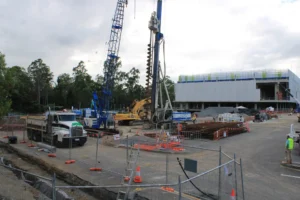
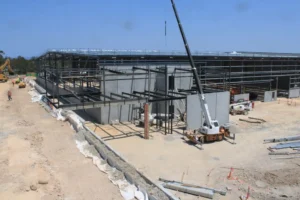
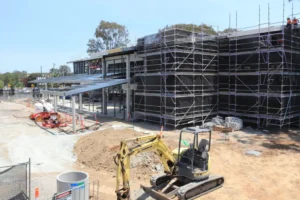
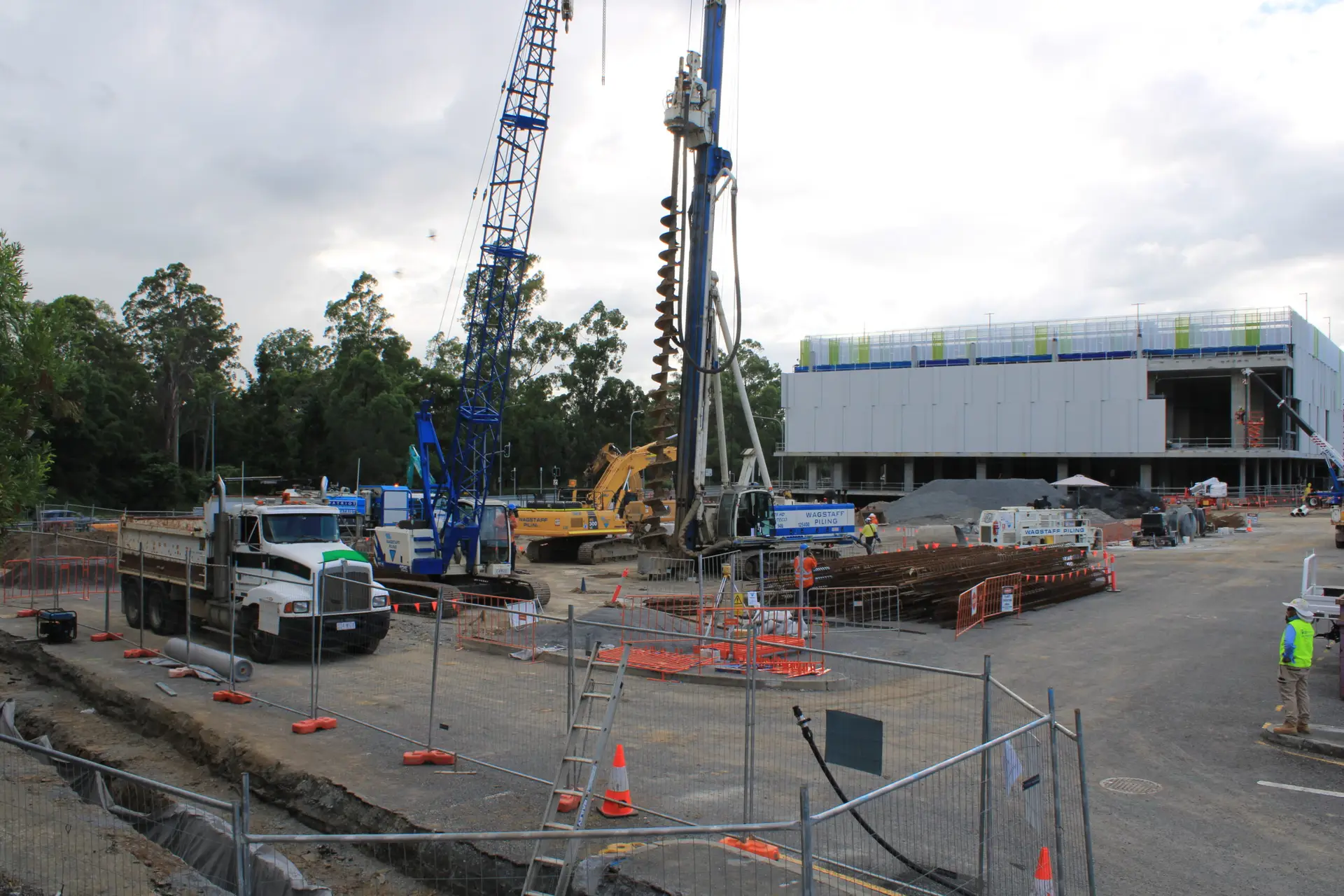
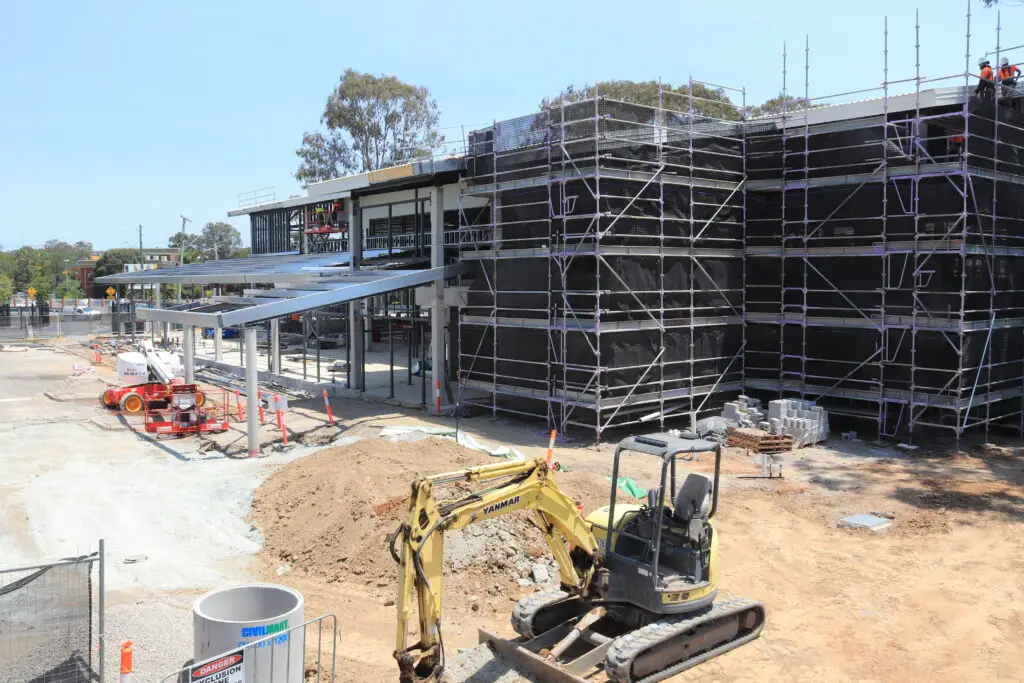
For construction or renovation, choose a viewpoint that shows the work area clearly and can remain safe and stable as the site changes. Coordinate installation and access with the people responsible for the project, and consider whether the frame will still work as materials, structures or equipment move. Construction Time Lapse Specialists specialises in construction time-lapse photography and camera installations. For project-wide visual monitoring, agree on what the record needs to show and how it will be used for communication or reporting.
Record clouds, sunsets and other changing skies
Sky scenes often shift quickly, so a shorter interval can preserve the movement of clouds and changing light. A fixed composition gives the viewer a reference point, such as a horizon or building edge, while still leaving room for the sky to dominate. Check the frame at different times of day, particularly if the camera will face direct sunlight. A test sequence helps reveal whether the chosen pace feels calm or rushed.
Capture plant growth and seasonal changes
Plant growth is slow, and a long-term shoot needs a position that can remain undisturbed as the subject changes. Keep the camera protected from moisture and make sure foliage will not gradually obscure the view. Use a repeatable frame so differences in growth are easy to compare. When adapting footage for a wider audience, ShortMind AI describes a way to turn long-form videos into short clips for social platforms; it is separate from the capture process itself.
Film busy scenes without distracting movement
In a busy scene, movement can become visually dense when frames are played quickly. Choose a position that shows the overall pattern rather than placing the camera where a single moving object dominates the view. Test a few intervals and compare the results at the intended playback rate. For construction events or project milestones, define which activity should be visible so the final clip has a clear focus.
How to protect footage and solve problems
A reliable recording depends on protecting both the camera and the images it creates. Long shoots can expose equipment to movement, weather and changing light, while a small setup error may not become obvious until much later. Regular checks and a clear backup routine help keep a useful visual record intact.
Prevent camera movement and framing shifts
Even slight movement can make a time lapse appear to jump between frames. Use a stable mount, tighten all connection points and keep the camera away from surfaces that vibrate. Where the site changes around the camera, check that no one has moved the equipment or altered the view. Compare periodic images with the initial frame to spot a shift before it affects the rest of the recording.
Manage heat, rain, dust and condensation
Match the camera’s protection to the environment and avoid assuming that a sheltered position will remain sheltered throughout a project. Dust, rain and condensation can affect image clarity or equipment, while direct sun may create challenging conditions for a camera left in place. Check the installation after significant weather and keep access safe for anyone carrying out maintenance. If conditions exceed the setup’s limits, address the exposure rather than risking the camera or losing footage.
Troubleshoot flicker, gaps and exposure changes
Flicker can appear when lighting varies between frames, and exposure changes may become noticeable as the scene moves from bright to dark. Review a short sequence at normal playback to distinguish a setting issue from a genuine change in the scene. Gaps may point to power, storage or recording interruptions, so check those first and note when the problem began. Avoid changing several settings at once; make one adjustment, test it and review the result.
Back up images and create a smooth final video
Keep a separate copy of the recorded images or video before editing, and label it with the project and relevant dates. Check that the sequence is complete, then review the pacing and transitions at the intended playback speed. Remove only material that does not serve the purpose of the record, and retain the original files in case the final edit needs revision. A finished time lapse should be clear to the people who will use it, whether for progress updates, project communication or a broader presentation.
Conclusion
A well-planned time lapse camera setup brings together the right interval, a stable viewpoint, suitable power and storage, and regular checks. For construction projects, dependable visual records can support clear communication throughout the work; to discuss camera installation and time lapse photography for a project, contact our team.